Heavy Rain Alerts: How to Use IMD’s Mausam App & Google Weather
 May, 26 2026
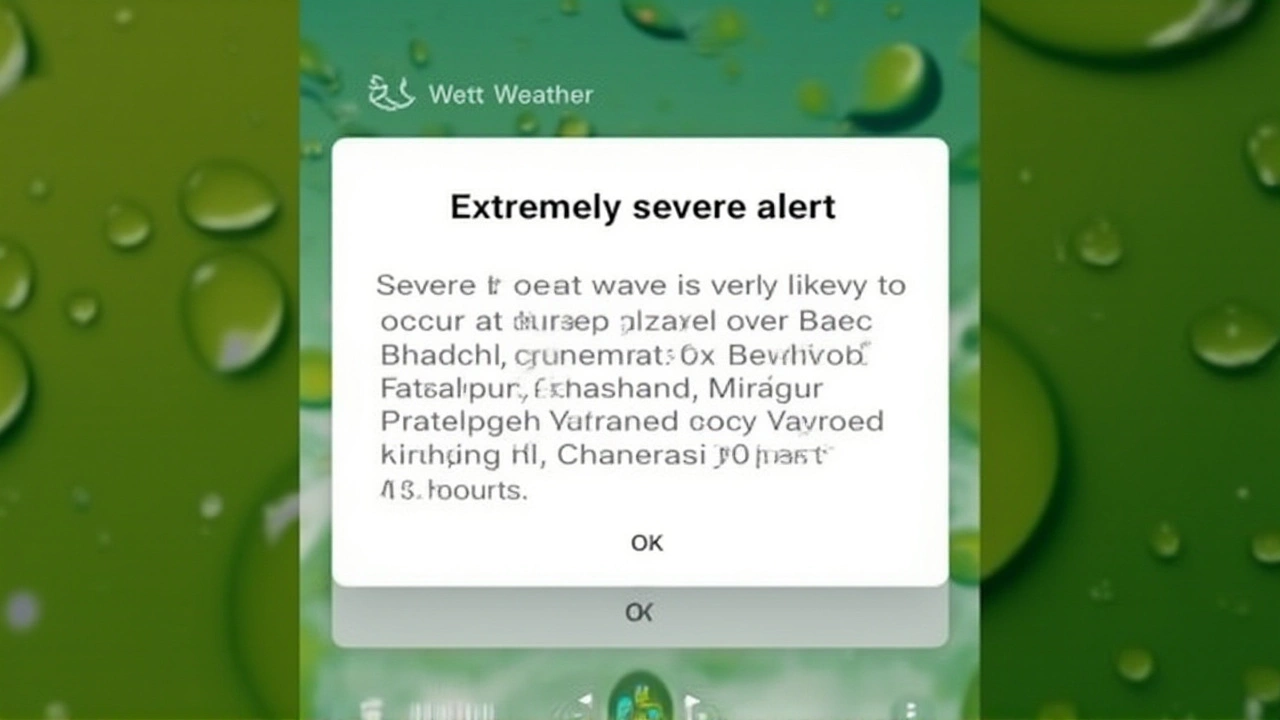
When the skies turn dark and the first drops hit your windshield, you don't want to be guessing if it's a passing shower or a deluge. That’s why getting accurate, real-time weather alerts on your phone isn’t just convenient—it’s crucial for safety. Whether you’re commuting through Mumbai or managing crops in rural Bihar, knowing exactly when heavy rain will start and stop can save time, money, and potentially lives.
The twist is that most people aren’t using the tools already at their fingertips correctly. While third-party apps are popular, official sources like the India Meteorological Department (IMD) offer hyperlocal data that many miss out on by ignoring location permissions or notification settings.
The Official Source: Mastering the Mausam App
Let’s start with the gold standard for Indian weather data. The IMD has released its official "Mausam" app, available on both the Google Play Store and Apple App Store. It’s not just another weather widget; it’s a direct pipeline to government meteorological data.
Here’s the thing: downloading it is only half the battle. To get those critical severe weather warnings, you need to enable location services immediately upon opening the app. This allows the system to pinpoint your exact coordinates rather than giving you a generic city forecast. Once enabled, look for two specific sections: "Warnings" and "Nowcast."
The "Nowcast" feature is particularly powerful. Unlike traditional forecasts that look days ahead, nowcasting provides real-time updates on rainfall intensity, wind speed, and temperature changes happening right now in your immediate vicinity. During the monsoon season, this minute-by-minute precision helps users decide whether to carry an umbrella or seek shelter from flooding.
Setting Up Alerts on iPhone and Android
If you prefer sticking with built-in tools, your smartphone likely already has robust alert systems waiting to be activated. But they won’t work unless you tweak a few settings.
For iPhone Users: Apple’s native Weather app is sleek, but its severe weather notifications are off by default. Here’s how to fix that:
- Open the Weather app and tap the list icon on the right side of the screen.
- Tap the three dots (menu) and select "Notifications."
- Toggle on the main notification switch.
- Select your preferred location (city or region).
- Crucially, tap on that location again and ensure the "Severe Weather" toggle is switched ON.
For Android Users: Google integrates weather deeply into its ecosystem. To activate these alerts:
- Open the Google app and tap your profile icon.
- Navigate to Settings > Notifications.
- You’ll see three key toggles: "Weather forecast," "Public Alerts," and "Current conditions." Turn all three ON.
- Return to the Google app home screen and tap the Weather widget to view detailed alerts.

How Google Weather Actually Works
Ever wonder where Google gets its data? It’s not magic—it’s a massive aggregation engine. According to Google’s official help documentation, its weather service uses an internal system that combines data from multiple global meteorological agencies.
This includes inputs from the European Centre for Medium-Range Weather Forecasts (ECMWF), the National Oceanic and Atmospheric Administration (NOAA), the UK’s Met Office, and even NASA’s Global Precipitation Measurement mission. For regional accuracy in Asia, Google collaborates with organizations like the Japan Meteorological Agency and Weathernews.
The result? A highly refined prediction model. When you search for rain or snow on Google, it doesn’t just tell you if it will rain; it predicts the exact start and end times within the next 12 hours. This hyperlocal precision is updated hourly, allowing users to plan outings down to the minute. In some regions, including parts of Africa and Latin America, this short-term precipitation tracking is already saving travelers from unexpected downpours.
Third-Party Apps: AccuWeather and Beyond
While official sources are reliable, third-party apps often provide user-friendly interfaces and additional features. AccuWeather, for instance, offers a feature called "MinuteCast®." This tool provides minute-by-minute precipitation forecasts for your exact street address or GPS location over the next two hours. It’s incredibly useful for quick decisions like "Should I run to the car now or wait five minutes?"
Another popular choice is "Weather & Radar," which boasts advanced radar visuals. Users love seeing moving cloud patterns and storm cells in real-time. Farmers and agricultural workers find this particularly valuable for planning irrigation and harvesting schedules. Similarly, "Weather Live – Weather Forecast" offers global coverage with radar-based visual data, helping users track tropical storms and severe weather systems worldwide.
Why This Matters Now More Than Ever
Climate change has made weather patterns increasingly erratic. What used to be predictable seasonal rains can now turn into sudden cloudbursts. Having access to precise, localized weather data is no longer a luxury—it’s a necessity for personal safety and economic stability.
Whether you’re using the IMD’s Mausam app for official alerts, configuring your iPhone’s severe weather notifications, or relying on Google’s aggregated global data, the goal is the same: stay informed, stay safe, and avoid being caught off guard by nature’s unpredictability. Start checking your settings today—your future self will thank you when the next storm rolls in.
Frequently Asked Questions
Is the IMD Mausam app free to use?
Yes, the Mausam app developed by the India Meteorological Department is completely free to download and use on both Android and iOS devices. It provides official weather forecasts, warnings, and nowcasting data without any subscription fees.
Which weather app is most accurate for India?
For official and legally recognized weather warnings, the IMD’s Mausam app is the most authoritative source. However, for user experience and minute-by-minute local predictions, many users find AccuWeather’s MinuteCast and Google Weather’s integrated alerts highly effective due to their combination of global data models and local sensors.
How do I enable severe weather alerts on my iPhone?
Open the Weather app, tap the list icon, then the three-dot menu, and select "Notifications." Enable notifications, choose your location, and specifically toggle on "Severe Weather" for that location. This ensures you receive alerts for floods, heavy rain, and storms.
What data sources does Google Weather use?
Google Weather aggregates data from multiple international agencies, including ECMWF, NOAA, the UK Met Office, NASA’s GPM mission, and regional partners like the Japan Meteorological Agency. This multi-source approach helps improve forecast accuracy and reliability.
Can I track rain in real-time on my phone?
Yes, apps like Mausam (via its "Nowcast" feature), AccuWeather (via MinuteCast), and Weather & Radar offer real-time tracking. These tools show current precipitation levels and predict changes within the next few hours, often down to the minute for your specific location.